PDF AI
Explore document Q&A, podcast-style audio, slides and visual digests described in the Android and US iOS listings.
Check your device’s listing for features and in-app purchases before downloading.
Google Play rating
Downloads on Google Play
Google Play listing, read on 27 September 2026. Ratings change; downloads are shown as a range.
One name, two listings
The titles do not name the same three things. Google Play leads with podcast, notes and slides; the App Store leads with editor, scanner and chat.
Google Play.
Title “PDF AI: Podcast, Notes, Slides”. Short description
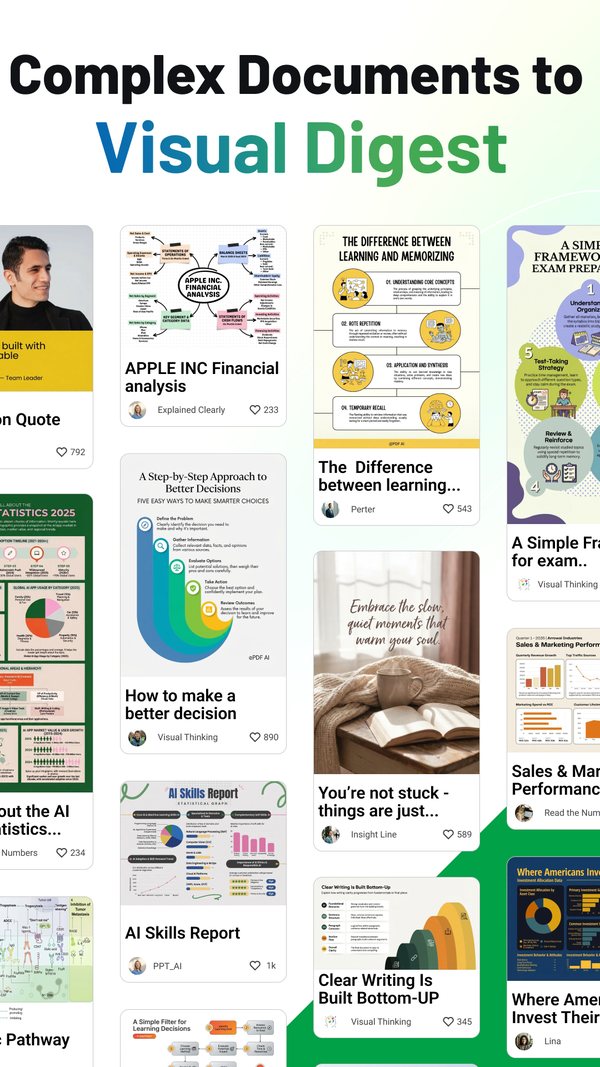
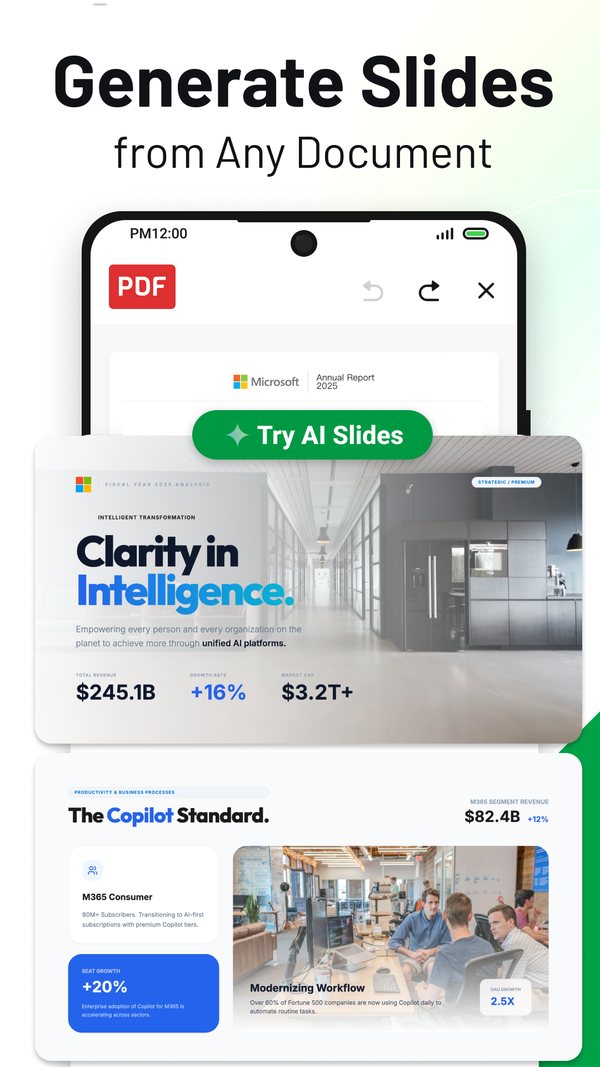
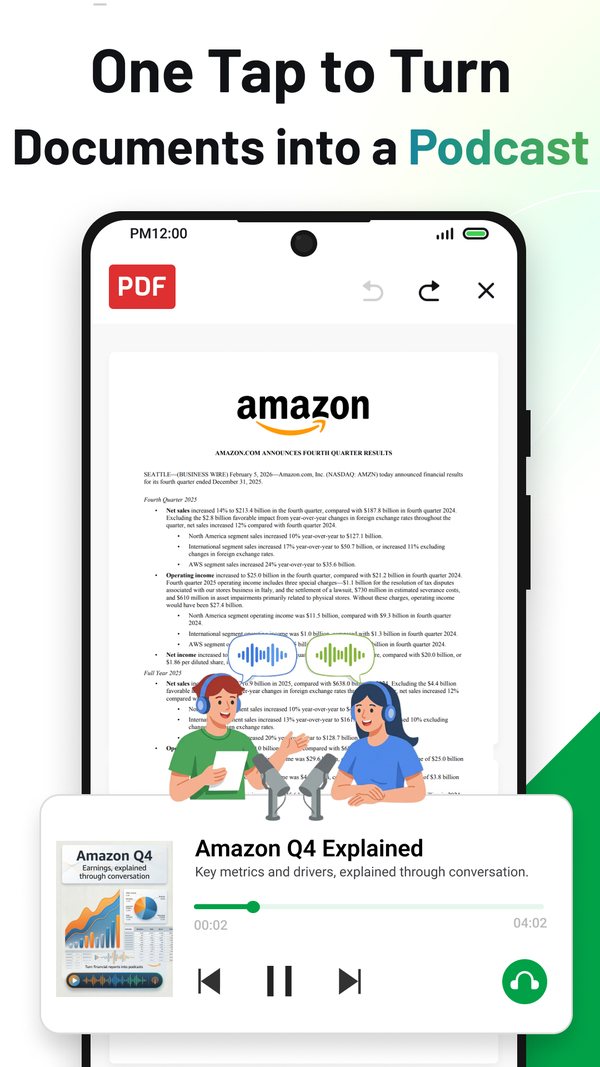
“Turn any document into a podcast, slides, or visual digest”.
Package chatpdf.pro. The developer name shown is NEXT AI Lab,
and the About-the-developer block names Sophon LLC at 30 N Gould St Ste N,
Sheridan, WY 82801-6317, United States. Read on the
Google Play listing
on 16 September 2026.
App Store.
Title “PDF AI: Editor, Scanner, Chat”. Bundle identifier
pdf.editor.pro. The seller name shown is Yang Yang, a personal seller
account rather than the company name, and the seller URL on the listing is
sophoninc.com. Read on the
App Store listing
on 16 September 2026.
The names behind every listing we publish are set out on who operates our store listings.
What each listing claims
One row per capability, one column per store, and in each cell the wording that store publishes. An em dash means that description does not claim it.
Quoted from each listing’s own description text, read on 16 September 2026. The App Store column is the United States storefront, which is not the text every storefront serves.
| Capability | Google Play says | App Store (US) says |
|---|---|---|
| Answer questions from the document | “Smart Q&A: answers and explanations grounded in your document” | “Chat with PDFs: Ask questions and get instant answers from documents.” |
| Summarise a long document | “clear answers, summaries, and action items you can act on” | “Summarize smarter: Turn long PDFs, reports, papers, and books into clear key points.” |
| Podcast-style audio from a document | “Audio Learning: podcast-style audio from your files” | Under “Generate with AI”: “podcast-style audio” |
| Slides from a document | “AI Slides: turn documents into polished presentations instantly” | Under “Generate with AI”: “Create slides… from documents” |
| Visual digest or insight cards | “a high-impact visual digest you can remember” | Under “Generate with AI”: “visual digests, and insight cards” |
| Mind maps and charts | “Visual notes: structured takeaways, mind maps, and academic-style charts” | — |
| Search inside the document | “AI Search: find key facts, definitions, tables, and references fast” | Under VIP: “full‑text search” |
| Tables, figures and images read alongside the text | “Multimodal understanding: handle text, images, tables, figures, and slides” | — |
| Scan paper documents | “Scan paper documents into clean PDFs” | “Scan & organize: Scan documents, extract text with OCR, search, manage, and work offline securely.” |
| Text extracted from a scan (OCR) | — | Under “Scan & organize”: “extract text with OCR” |
| Highlight and annotate | “Highlight, annotate, comment, and markup” | “Annotate & collaborate: Highlight, underline, notes, sketches, comments, and share.” |
| Edit text and images inside the file | “Edit text & images inside your files” | “Edit PDFs: Modify text, images, and layout with precision.” |
| Signatures | “Create digital signatures” | “Fill & sign: Complete interactive forms and e‑sign on the go.” |
| Interactive forms | — | Under “Fill & sign”: “Complete interactive forms” |
| Convert to other formats | “Convert PDF to Word or TXT with high accuracy” | “Convert fast: PDF ⇄ Word/Excel/PPT/Images/TXT with high fidelity.” |
| Reading modes and bookmarks | — | “Read smarter: AI summaries, highlights, bookmarks, day/night/Sepia.” |
| Sync with cloud storage | “Sync via Google Drive, Dropbox, Box & OneDrive” | — |
| Share | “Share or print instantly” | Under “Annotate & collaborate”: “and share” |
| “Share or print instantly” | — | |
| Open password-protected files | “Open password-protected PDFs securely” | — |
| Large files | “Smooth performance even on large files” | “Lightning-fast viewer for large PDFs.” |
| Work offline | — | Under “Scan & organize”: “work offline securely” |
| Batch processing | — | Under VIP: “batch processing” |
| Local processing and encryption | — | Under “Why it’s better”: “Privacy-first: local processing and strong encryption.” |
| Output without a watermark | — | Under “Why it’s better”: “Professional output, zero watermarks for subscribers.” |
| Model vendors named in the description | “Powered by Gemini 3.0, GPT-5, Claude 4.5, DeepSeek AI, and Nano Banana Pro.” | — |
The model vendors are named by the Google Play description, not measured by us. An em dash records that the description does not claim the capability; it does not record that the app lacks it.
Check an answer against the original. General reading advice, not a description of either app’s controls: before reusing an AI answer, open the original PDF and locate the passage that supports each important claim. Compare numbers, units, dates and qualifications with the surrounding text; for tables, check row and column headings and footnotes. If you cannot find supporting text, mark the claim as unverified and leave it out of your summary until you can check it. A confident answer is not a substitute for the source.
Working with a scan? Practice checking identifiers, units and approval words before summarizing scanned text.
Listening to a PDF podcast? Check one audio claim against the source PDF, recording the audio version, playback interval and source passage. This is a manual review method, not a description of PDF AI controls.
Editing a PDF? Use this manual checklist before sharing the saved file. Check page count and order, requested changes, and text that must stay unchanged. This is general review advice, not a claim about PDF AI’s editing features or Adobe integration.
The App Store description changes outside the United States
The capability column above is the United States text. Four other storefronts serve a shorter one.
Two texts, one listing. The United States description runs 1,747 characters. The descriptions served to the United Kingdom, Canada, Australia and India run 1,163 characters and are the same text as each other apart from one punctuation character in the Australian copy.
What the shorter text drops. It has no “Chat with PDFs” bullet, no “Summarize smarter” bullet and no “Generate with AI” bullet, and it does not mention OCR anywhere. Both texts open with the same sentence, “AI-powered PDF toolkit built for speed, security, and clarity.” The sentence after it differs: the shorter text has “Edit, read, convert, and collaborate—without friction” where the United States text has “Chat with PDFs, summarize long documents, generate slides, create podcast-style audio, scan, edit, convert, sign, and collaborate—without friction”.
What does not change.
The title is “PDF AI: Editor, Scanner, Chat” and the version is 2.6.1 in
all five storefronts. Read from
itunes.apple.com/lookup?id=6581489325&country= for
us, gb, ca, au and in
on 16 September 2026.
What each store publishes about the build
Where a store publishes nothing, the row says so rather than borrowing the other store’s value.
Every value read on 16 September 2026, from the Google Play listing page and from Apple’s lookup endpoint for the United States storefront.
| Detail | Google Play | App Store |
|---|---|---|
| Platform | Android | iOS |
| Listing title | PDF AI: Podcast, Notes, Slides | PDF AI: Editor, Scanner, Chat |
| Identifier | chatpdf.pro (package) |
pdf.editor.pro (bundle) |
| Publisher name shown | NEXT AI Lab | Yang Yang |
| Category | Productivity | Productivity, Utilities |
| Content rating | Everyone | 4+ |
| Current version | 4.22.0 | 2.6.1 |
| Date of that version | 10 August 2026, shown as “Updated on Aug 10, 2026” | 3 September 2026 |
| First release | 1 April 2023, see the note on page data | 8 August 2024 |
| Minimum operating system | Android 9, see the note on page data | iOS 15.0 |
| Download size | Not published on the listing | 177,053,696 bytes |
| Interface languages | Not published on the listing | 27 entries declared, see the language list |
| Price to install | Free | Free |
| Ads and purchases | “Contains ads”; in-app purchases “$0.99 - $99.99 per item” | No ads label; the description names “VIP (auto‑renewable subscriptions)” with “Monthly or yearly plans available” |
Google Play’s web listing displays no first-release date and no minimum Android version. Both values come from the data embedded in that same listing page, which carries a release date of 1 April 2023 and a minimum SDK of 28, the SDK level Google labels Android 9. Neither figure is shown to a visitor reading the page.
The 27 interface-language entries on the App Store listing: AR, CS, NL, EN, FR, DE, EL, HE, HI, HU, ID, IT, JA, KO, MS, PL, PT, RO, RU, ZH, SK, ES, TH, ZH, TR, UK, VI. ZH appears twice, so 26 codes are distinct. Neither listing publishes a price for a subscription plan, so no monthly or yearly figure is quoted on this page.
Installs and ratings, and how they are counted
Each figure below is for this product alone, on the store that publishes it, on the day it was read.
Google Play counts ratings once for the listing; Apple counts them once per storefront, so the App Store rows are separate figures and not parts of one worldwide total.
| Listing | Installs | Ratings | Average | Read on |
|---|---|---|---|---|
| Google Play | 1,000,000+ (a range, so 1,000,000 is a floor) | 13,050 | 4.6 shown, 4.61 underlying | 27 September 2026 |
| App Store, United States | Not published | 152 | 4.80 | 27 September 2026 |
| App Store, United Kingdom | Not published | 24 | 4.71 | 27 September 2026 |
| App Store, Canada | Not published | 12 | 4.83 | 27 September 2026 |
| App Store, Australia | Not published | 9 | 4.67 | 27 September 2026 |
| App Store, India | Not published | 25 | 4.60 | 27 September 2026 |
Google Play publishes installs as a range rather than a count, which is why the row carries a plus sign and no arithmetic is done on it. The listing displays “1M+” installs and “4.6 star 13K reviews”; the exact rating count of 13,050 is read from the listing’s embedded page data, which also carries a second, unlabelled count of 554 that the listing neither displays nor names. The App Store publishes no install count in any storefront, and its averages are rounded here to two decimals from the values Apple’s lookup endpoint returns (4.80263, 4.70833, 4.83333, 4.66667 and 4.59999). Ratings move in both directions, so the counts are dated: how the figures are counted records the same 13,050 for the Google Play listing on the same day, and sets out how the whole-company figures are added up.
Where the documents go
The Google Play listing declares its privacy policy as sophoninc.com/privacy and the App Store description names sophoninc.com/privacy.html, both of which open the NEXT AI Lab privacy policy that the policy map records as governing this product, and what each of our products does with the documents you open in it is stated per product on what happens to your files.