
Cue
Office Agent · desktop voice agent for macOS and Windows
Types where your cursor is, takes meeting notes, reads your screen for context, and shows you a draft before anything is sent.
Cue works inside the app you already have open. It is where RSI starts: recursive self-improvement, agents that make the next agents better.
Free to start · macOS and Windows · GPT-6 Astra, Gemini 3.8 and Claude Fable 5.1
Installs across all our store listings.
Ratings left on our apps.
Average rating, weighted by app.
Dictation polish latency, down from 876 ms.
Store figures as of 13 October 2026, added up listing by listing in how the figures are counted. Stores publish installs in ranges, so 1.41M is a floor. The latency figure is Google DeepMind’s, current as of May 2026, measured as described in their case study. The store figures count every app we have published, not only the ones on the products page.
Office Agent · desktop voice agent for macOS and Windows
Types where your cursor is, takes meeting notes, reads your screen for context, and shows you a draft before anything is sent.
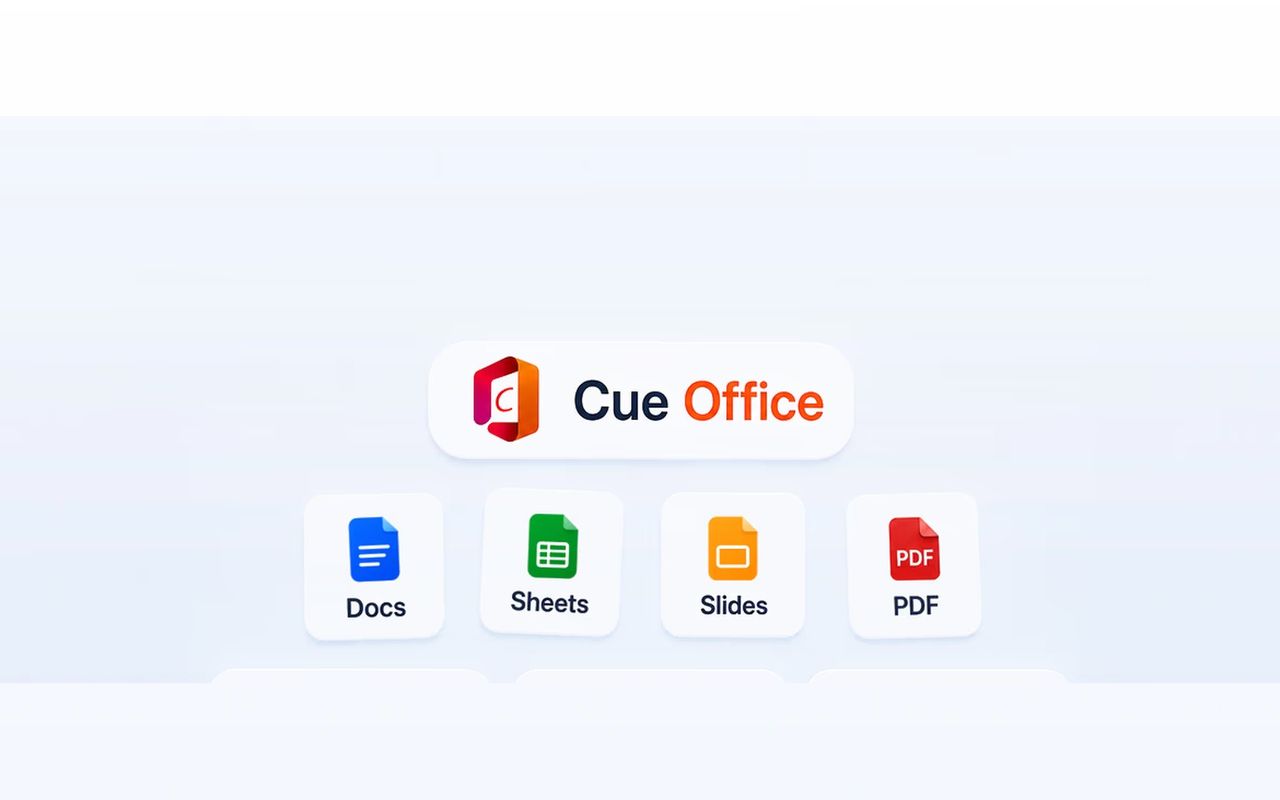
AI Office · Docs, Sheets, Slides and PDF in one app
Opens every Word, Excel, PowerPoint and PDF file, with Cue AI in the sidebar and Summarize, Polish and Format in the ribbon.
Dictation1 of 3
Wherever you are. Cue opens no window of its own, so nothing moves.
The raw transcript still has the ums, the missing commas and the things you corrected mid-sentence.
Gemma 4 E4B runs locally through Ollama. That cut the median wait from 876 ms to 488 ms.
Typed into the field you were in, punctuation included, in supported apps.
Meeting notes2 of 3
Notes, new note, Start. Nothing joins the call; people see you, not a notetaker bot.
In longer meetings, a draft transcript grows on your screen.
Cue finishes the transcript and writes up the meeting, action items included.
Agent3 of 3
A different key from dictation, set in Cue’s settings. Whatever is on your screen is the context.
One sentence is enough. Cue lists each step in its panel as it works.
Cue drafts first. Sending, or anything else that changes something, waits for your okay.
Cue AI inside Cue Office, in four steps.
 Docs
Docs Sheets
 Slides
 PDF
PDFOpen the sidebar and ask in your own words: a press release for the launch.
Before writing anything, it lists the sections, so you see the shape of the document.
Each section lands on the page, with [placeholders] where your details go.
Summarize, polish or format from the ribbon, track changes, or roll back.

Say what you want. Cue writes the file, saves it to the desktop and opens it in the browser, listing each step as it goes.
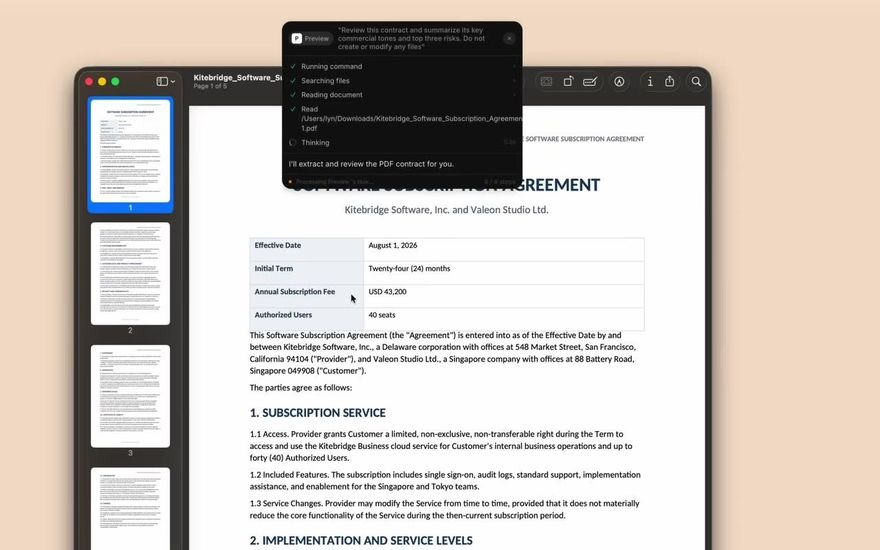
With the PDF open in Preview, ask for the key terms and the top three risks. Cue reads it and writes the brief.
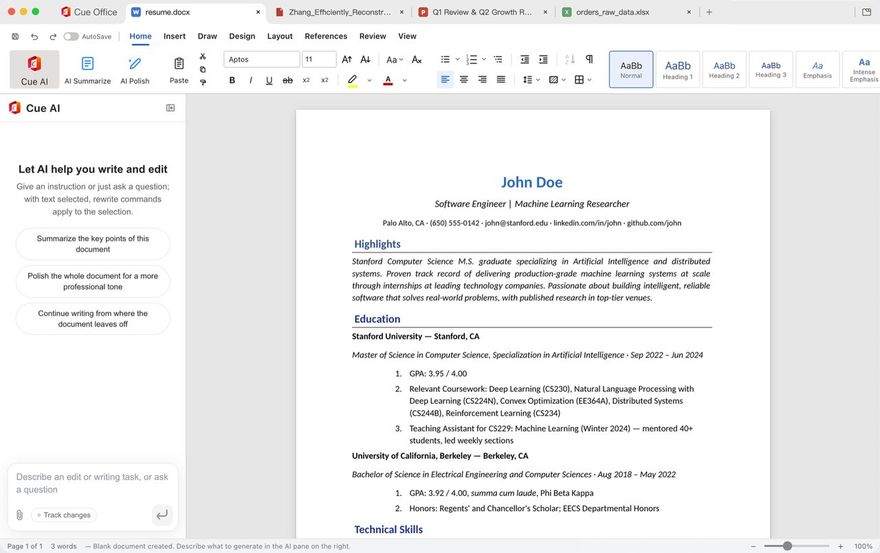 Docs, fully Word-compatible
Cue AI in the sidebar drafts, rewrites and translates; Summarize, Polish and Format are in the ribbon.
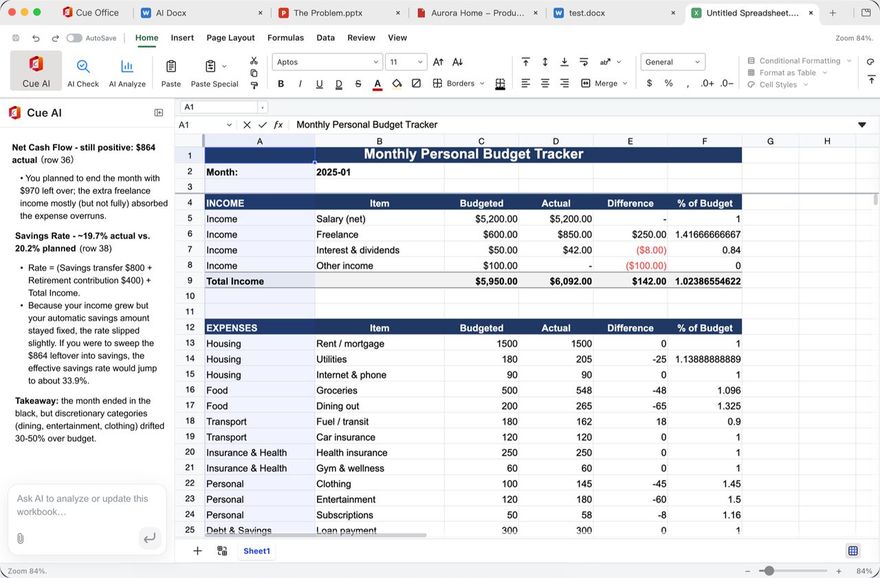 Sheets, with formulas, charts and pivot tables
The formulas you know, plus Cue AI to explain the numbers or write the formula for you.
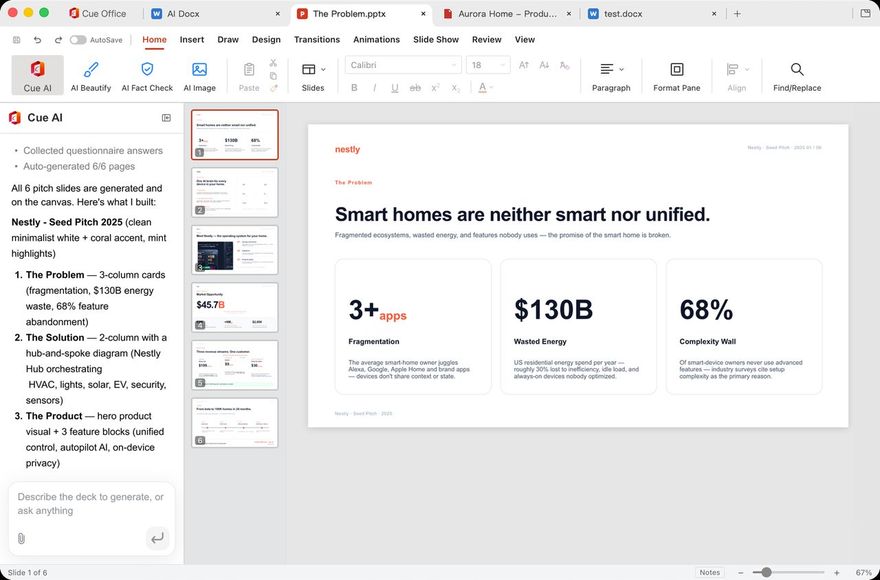 Slides, fully PowerPoint-compatible
Describe the deck and Cue AI builds it. Beautify and Fact Check are in the ribbon.
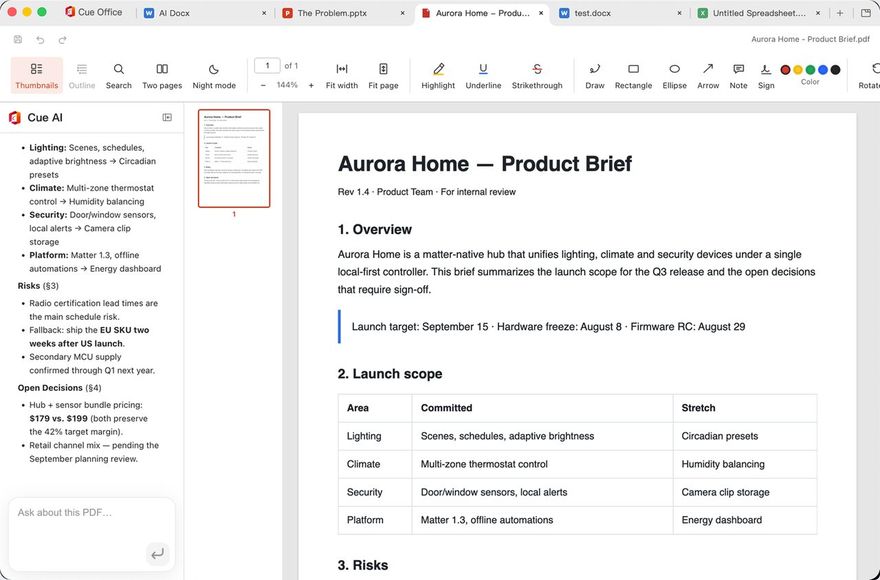 PDF: read, edit, convert, sign, annotate
All in one place, with an AI that reads the PDF and answers questions about it.
Four more, each on its own site or store listing.
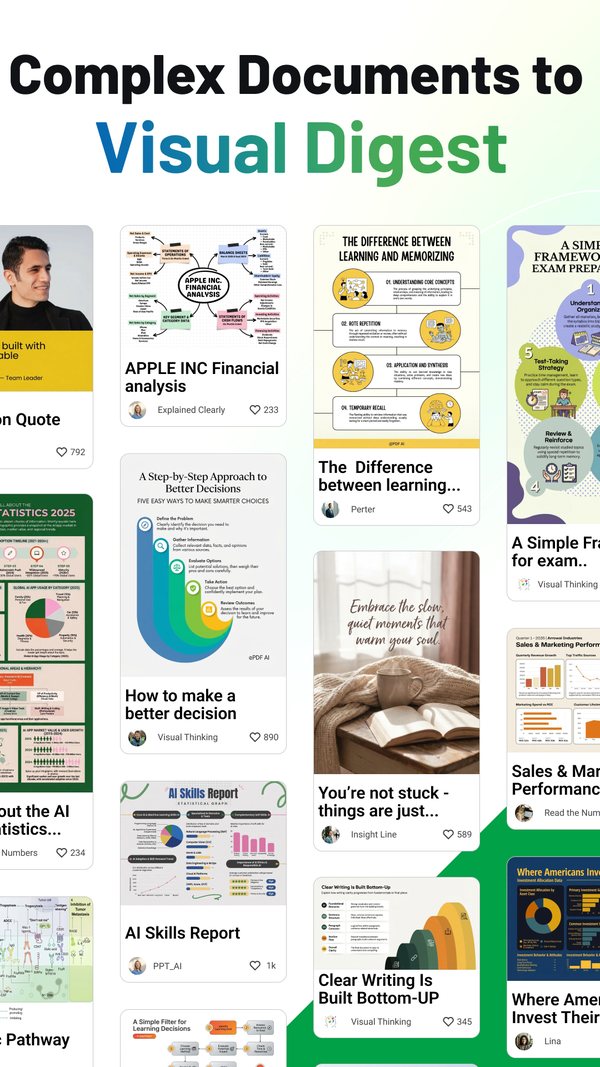

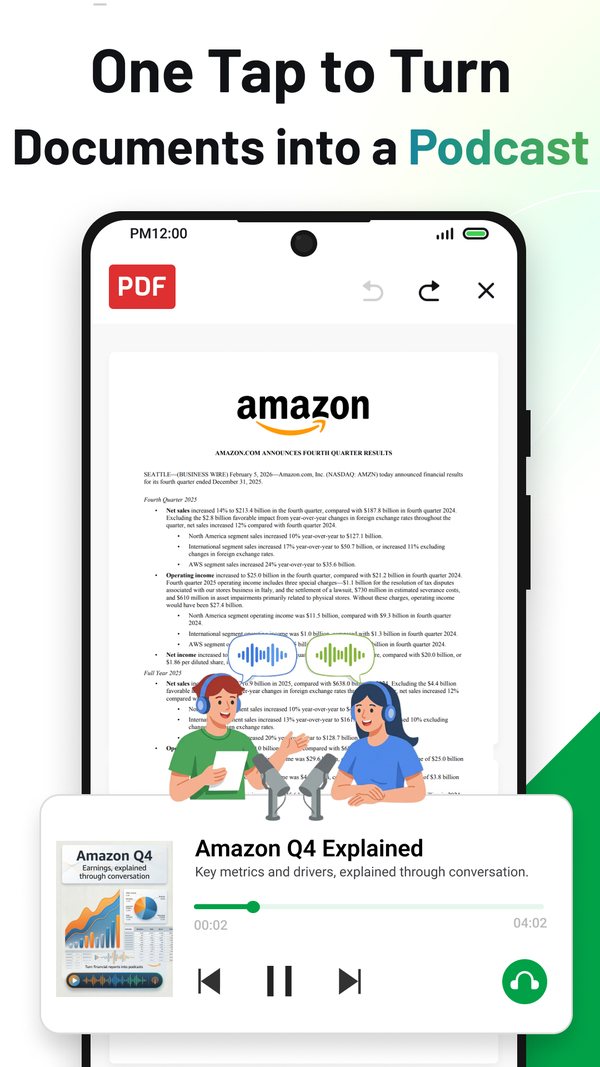
 PDF AI
Explore document Q&A, podcast-style audio, slides and visual digests described in the Android and US iOS listings.
PDF AI on Google Play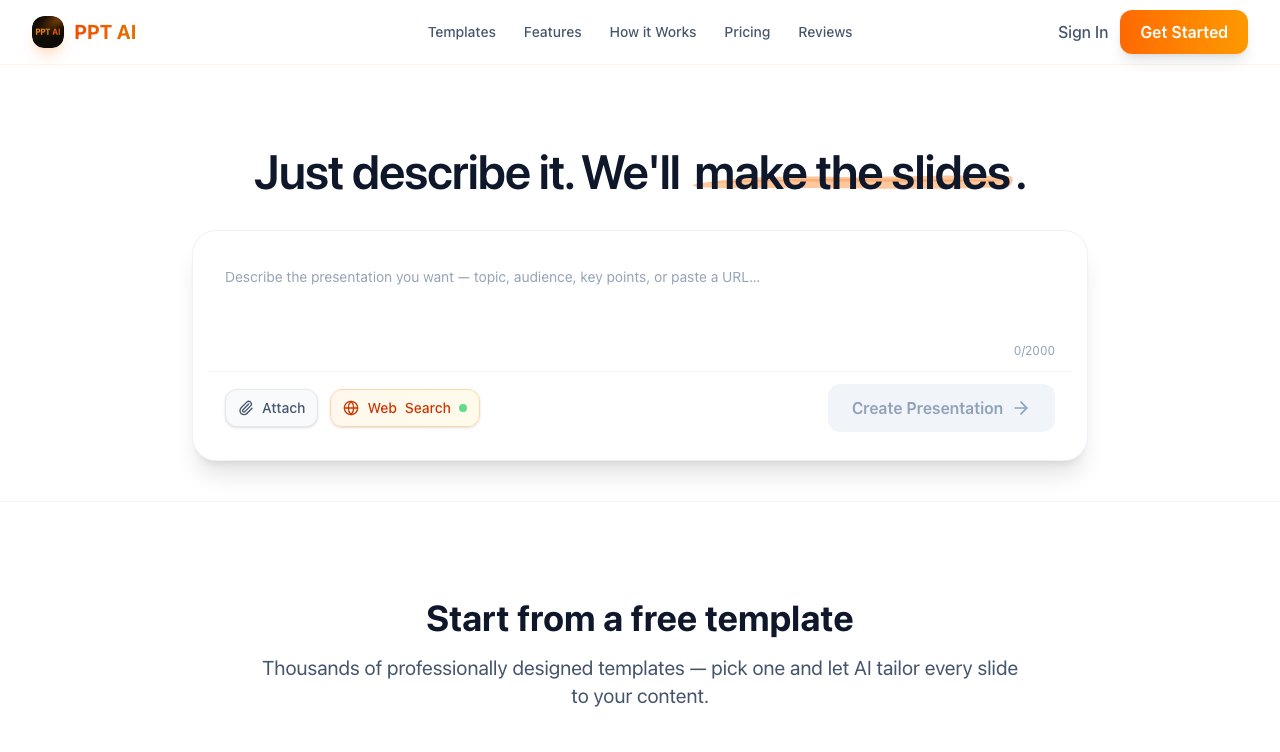
 PPT AI
Describe the topic and the audience. Edit the first draft, then download it as PPTX or PDF, or share a link.
ppt.sophoninc.com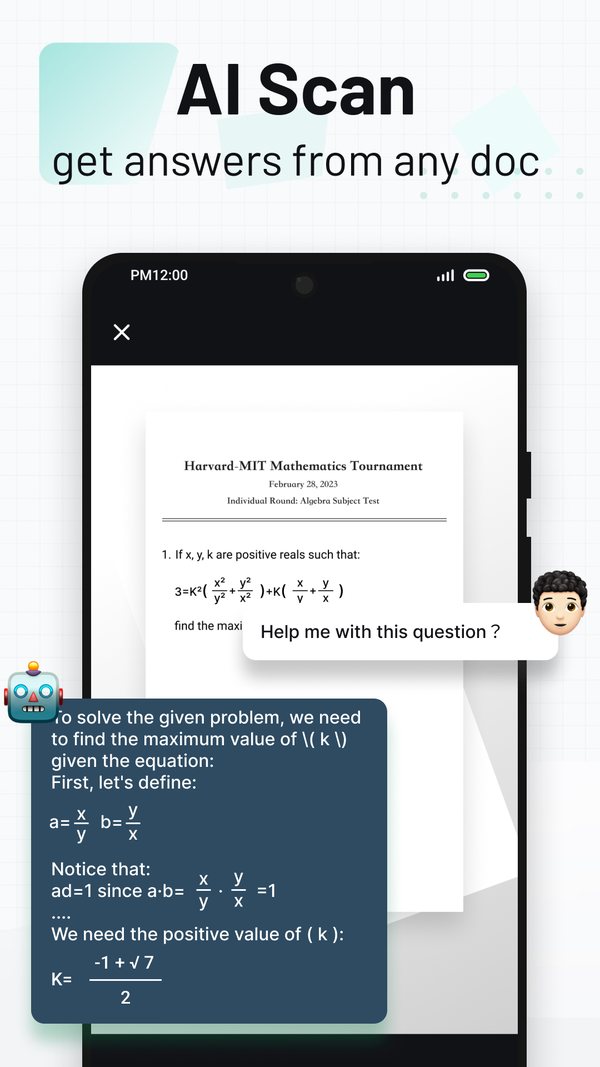
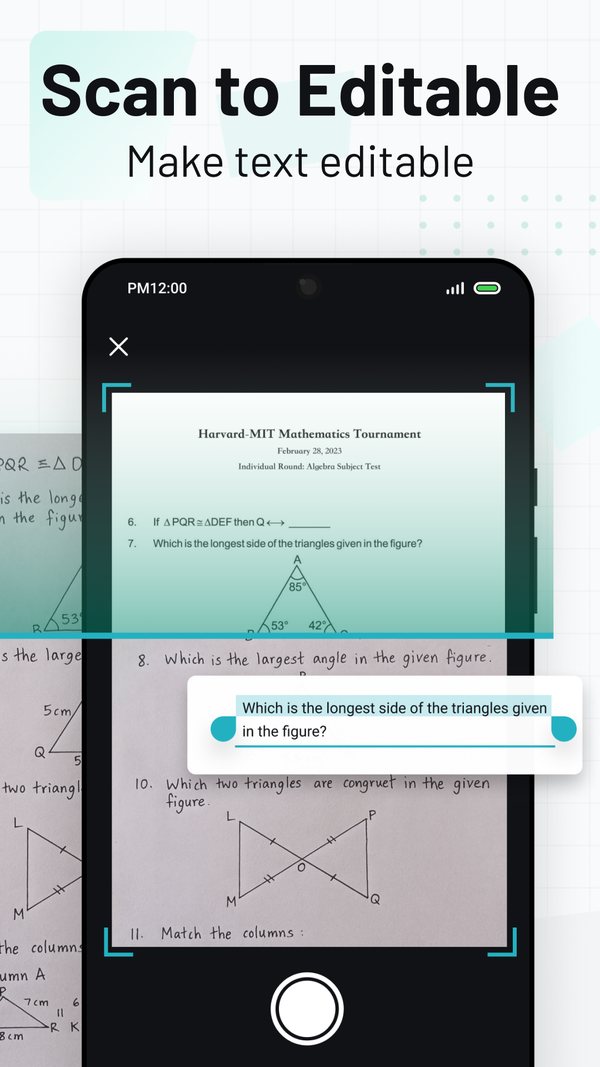

 PDF Scanner Max
Camera to PDF. Scan a page, crop it, and share the file.
PDF Scanner Max on Google Play

A 45-second segment from Google’s Connect China event, with English subtitles.
The Gemma team used Cue as their example: latency down 44 percent, feature usage up 30 percent, marginal inference cost down to zero, and a demo running on a laptop with no internet, on Gemma 4 E4B.
The three figures are Google DeepMind’s, current as of May 2026, in the case study linked below. The talk calls the 30 percent engagement; the case study says feature usage.
In their words, “a voice-activated AI agent that lives on the user’s desktop.” It reports the median polish latency falling from 876 ms to 488 ms, as of May 2026, once that step ran locally on Gemma 4 E4B.
deepmind.google · GemmaverseCounted in the site’s own metadata on 14 September 2026.
cueoffice.aiIts own framing: “landscape, not leaderboard”. Thirteen benchmarks, one row each, released under the MIT licence; its versions, licence and DOIs are recorded per release.
doi.org · Zenodo 10.5281/zenodo.22227265RSI, recursive self-improvement: agents that make the next agents better. Office work is where it starts, and the products above are where we are trying it.
Six products, one team, one address.
One address, the same one on every Google Play listing. Tell us which app and which store; for partnerships, which product. Cue and Evolve publish their own support pages as well, listed in which address for which product.
Who is behind the listings, the registered details, and where each legal document lives.
About SophonWhat happens to your files, product by product.
 Sophon


 Evolve